ChuraResize
Crop, resize, convert, and share images quickly and easily.
A focused image tool for Android. Open an image from your device or Android's Share menu, crop it freely, resize it, compare PNG and JPEG sizes, and send the result where you need it.
画像の切り抜き・縮小・PNG/JPEG変換・共有を、シンプルな操作で。
Made for quick image processing
ChuraResize keeps common image tasks in one compact workflow, without uploading your images to a Logos Solution server.
Free-form cropping
Crop screenshots and photos to the area you actually need.
Resolution resizing
Quickly reduce image dimensions before sharing or saving.
PNG & JPEG
Choose either format and adjust JPEG quality when appropriate.
Compare file sizes
Compare PNG and JPEG output sizes and select the smaller result when file size matters.
Share directly
Receive images from other Android apps and share processed results onward.
Save or copy
Save processed images to your device or copy them for use in another app.
Simple, focused workflow
Select an image, adjust the output, crop when needed, then save or share.
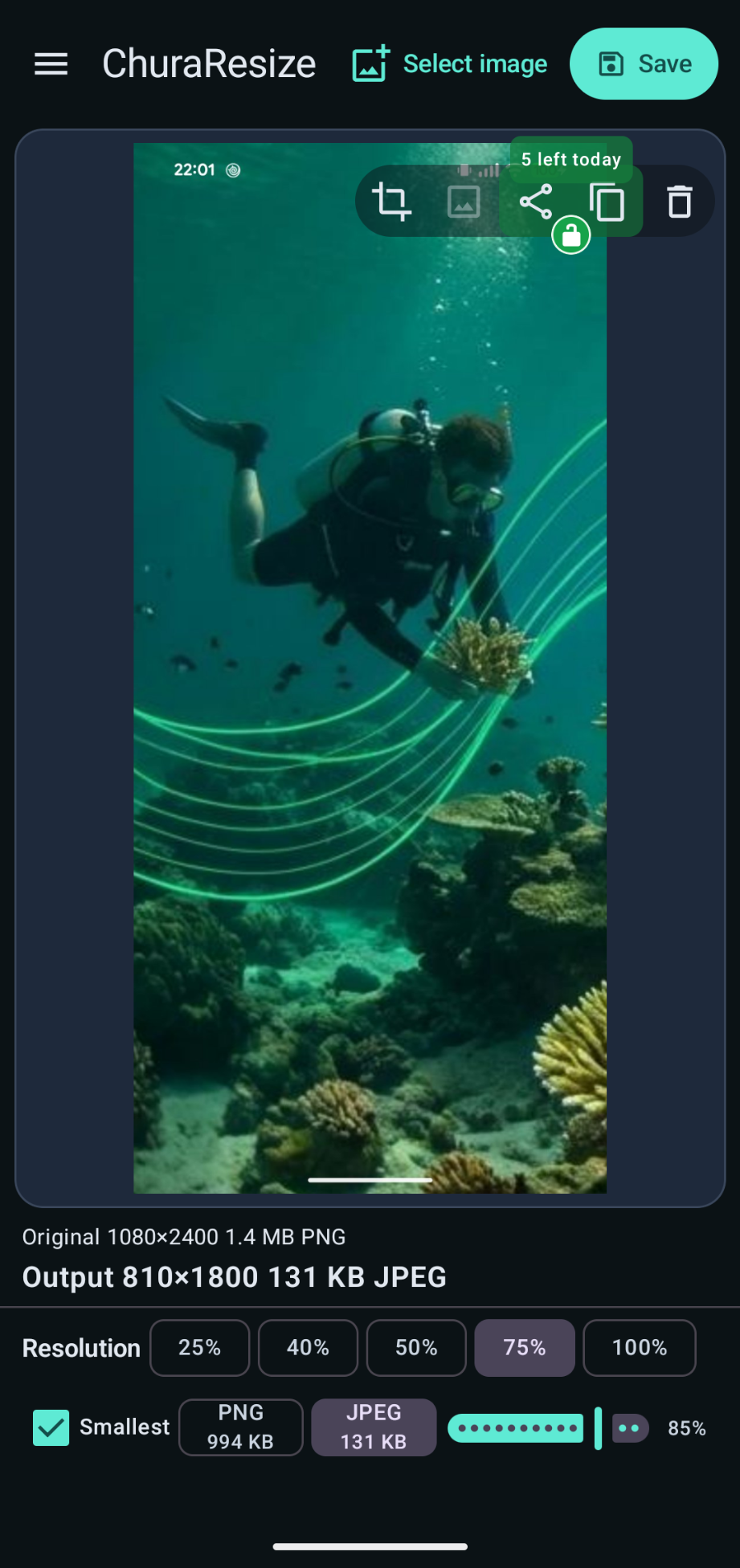
Resize, compare formats, and prepare the output.
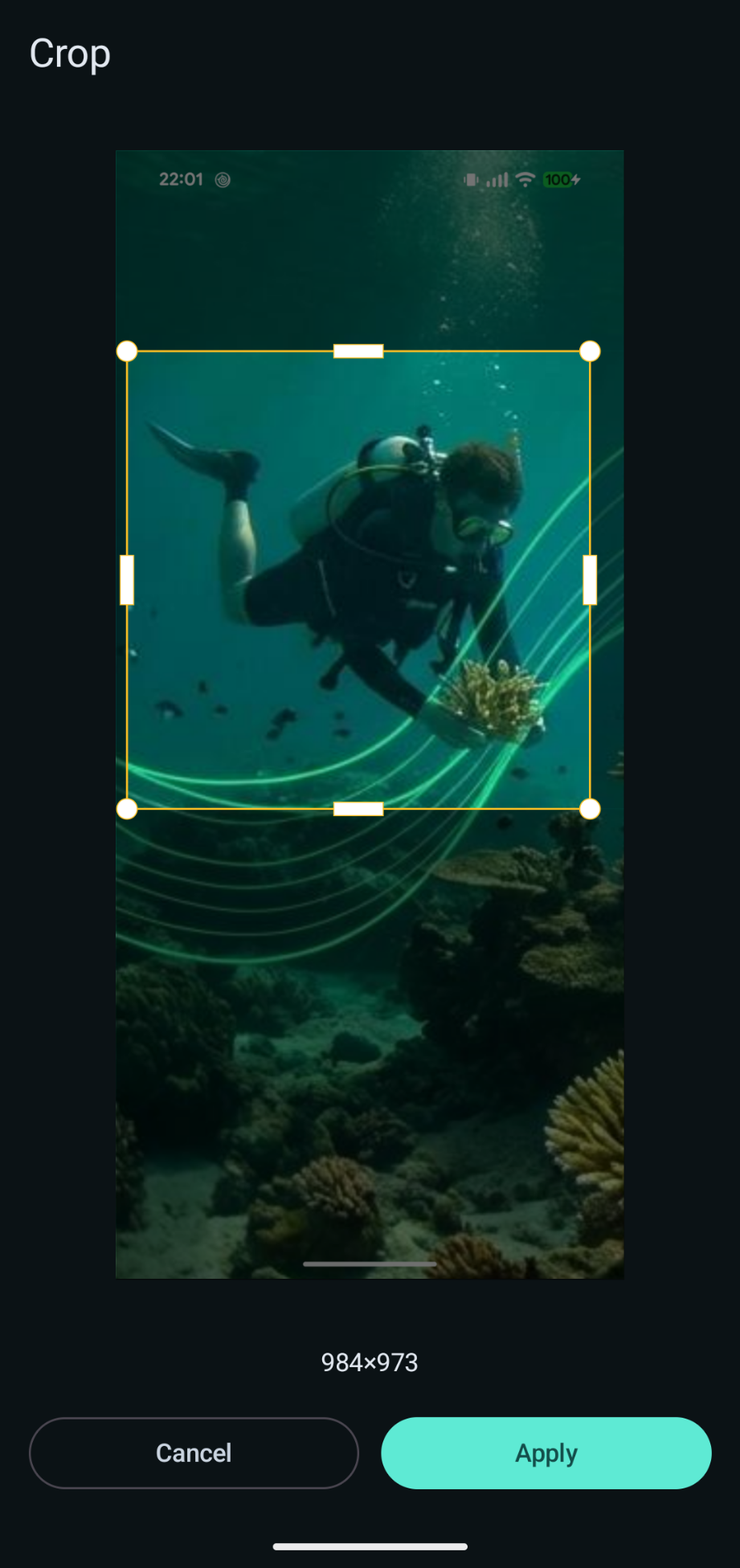
Crop freely to the area you want.
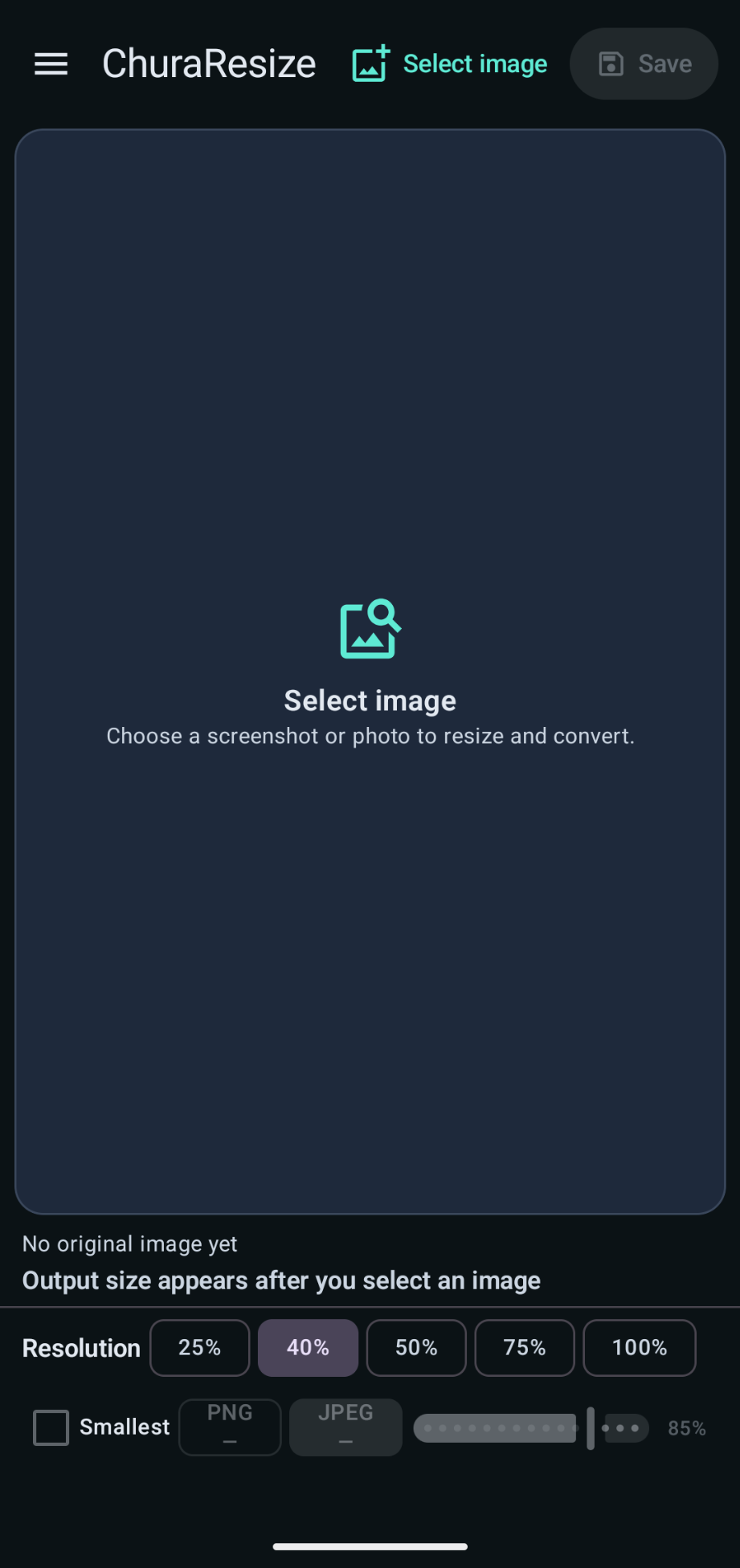
Start with an image from your device or another app.
From screenshot to share
A typical ChuraResize workflow takes only a few steps.
Your images stay on your device
Image processing is performed locally on the device. ChuraResize does not upload your images to Logos Solution servers. Google Play Billing and RevenueCat are used for purchase and entitlement handling.
Read the Privacy Policy →- No image upload for processing
- No account creation required
- No advertising
- No location access